

Latest Version
Rocky Sand Studio Ltd.
Tools
Mac
Free
836505650
Report a Problem
More About Battery Monitor: Health, Info
A Smarter Way to Track Your Mac's Power
Many macOS users find the default system battery icon a bit too simplistic for their daily workflow. If you want deeper insights into your hardware's longevity, the Battery Monitor: Health, Info utility offers a sophisticated, highly visible alternative right in your menu bar. Developed by Rocky Sand Studio Ltd., this popular Mac tool elevates how you track power consumption, moving beyond simple percentages to give you a complete picture of your battery's physical condition.
Key Features of Battery Monitor: Health, Info
This utility is designed to pack crucial diagnostic data into a lightweight, non-intrusive interface. Here is what makes the application stand out for daily Mac users:
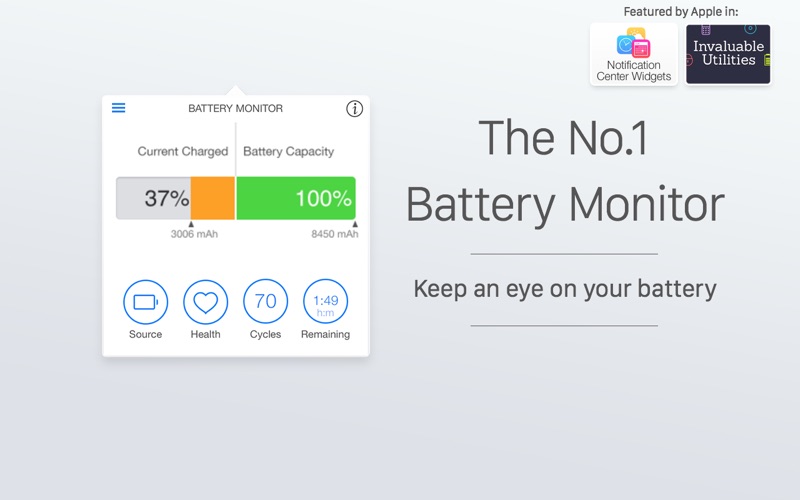
- Menu Bar Integration: Keep a close eye on your charge percentage and remaining time without opening system settings.
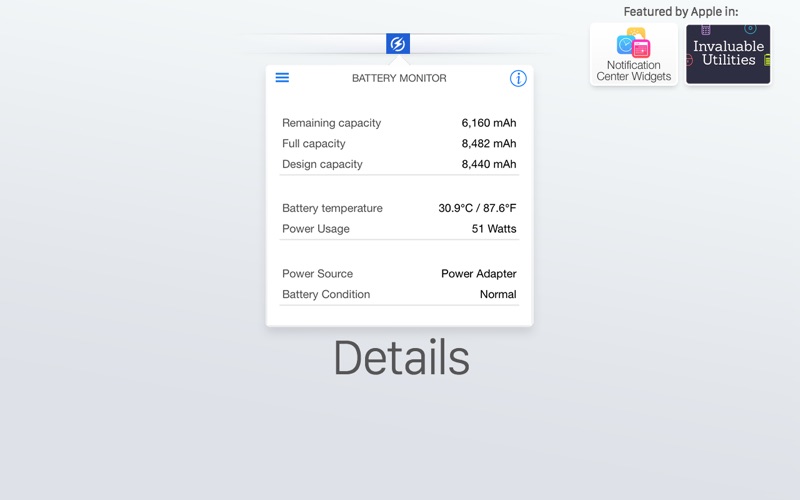
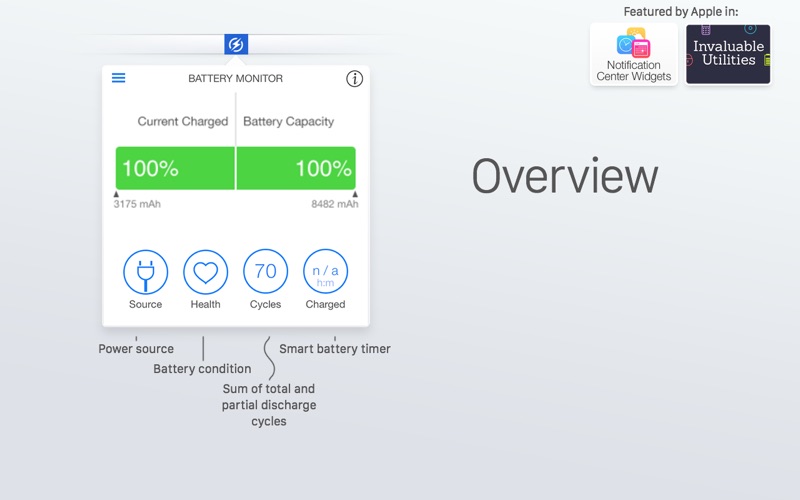
- Comprehensive Health Overview: Instantly view critical diagnostic metrics that reveal the actual wear and tear on your battery over time.
- Customizable Alerts: Prevent degradation by setting up tailored notifications for low and full battery thresholds.
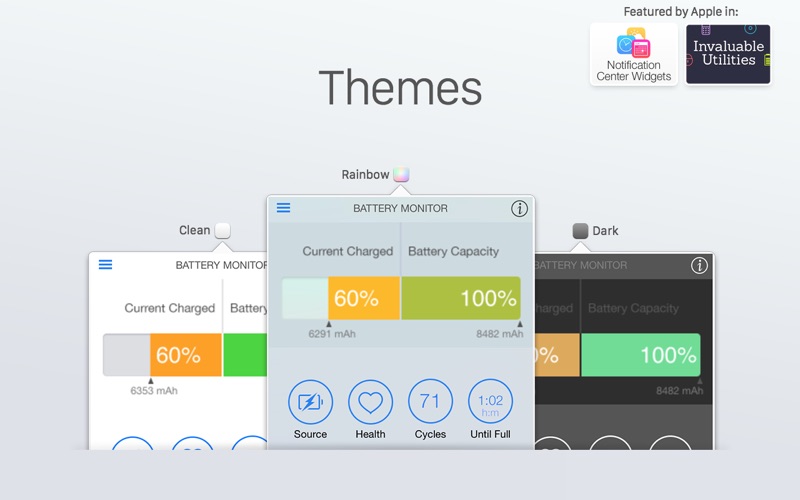
- Visual Personalization: Choose from several beautifully designed themes to match your desktop aesthetic perfectly.
Who Is This Mac Utility For?
The Battery Monitor: Health, Info utility is an essential tool for remote professionals, students, and power users who rely heavily on their MacBooks while on the move. By monitoring real-time health data, you can optimize your charging habits, receive timely alerts before your laptop dies, and ultimately extend the lifespan of your machine's internal hardware.
Our Editorial Verdict
Instead of guessing how much life is left in your hardware, this tool puts clear, actionable diagnostics right at your fingertips. It eliminates the guesswork of power management with an elegant interface that feels native to the macOS environment. If you want to take control of your device's power analytics, we highly recommend checking out the Battery Monitor: Health, Info utility on the official Mac App Store to see how it can improve your daily workflow.
Rate the App
User Reviews













Popular Apps










Editor's Choice